
Archive a Reward Class
Archiving a Reward Class allows you to remove it from the platform's default search results without actually deleting the Reward Class.
To archive a Reward Class:
-
Select Rewards from the top navigation bar, then select Settings > Reward Classes from the side navigation menu. The Reward Classes screen is displayed.
-
Search for and select the desired Reward Class (see Search for a Reward Class for more information on the available search options). The Reward Class Details screen is displayed, with the Attributes tab selected by default.
-
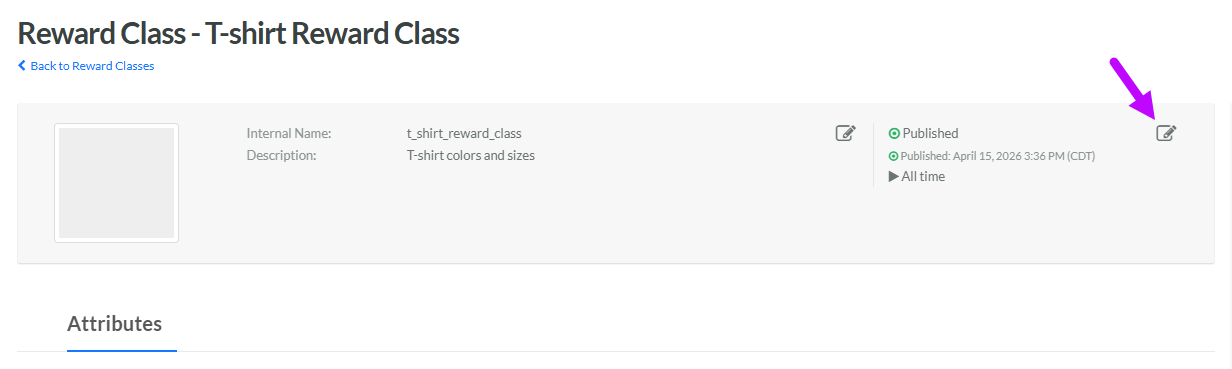
Within the header area of the screen, click the Edit icon in the top-right corner. The Edit Reward Class pop-up window is displayed.
-
From the Status drop-down menu, select Archived.
-
Click Save.
